
Blog
Stay up to date on company and partner news, product tips, and industry trends.
-

Yubico delivers PIN advancements with new YubiKey 5 – Enhanced PIN keys To prepare for continuously evolving cyber threats, governments around the world are adapting and updating authentication requirements for online services which directly impact thousands of organizations and their employees. While there’s currently no universal regulation for more robust multi-factor authentication (MFA), the need is highlighted across a range of requirements including PSD2, GDPR, and the […] Read more Company News Product News YubiKey YubiKey 5 – Enhanced PIN YubiKey 5 Series YubiKey as a Service -
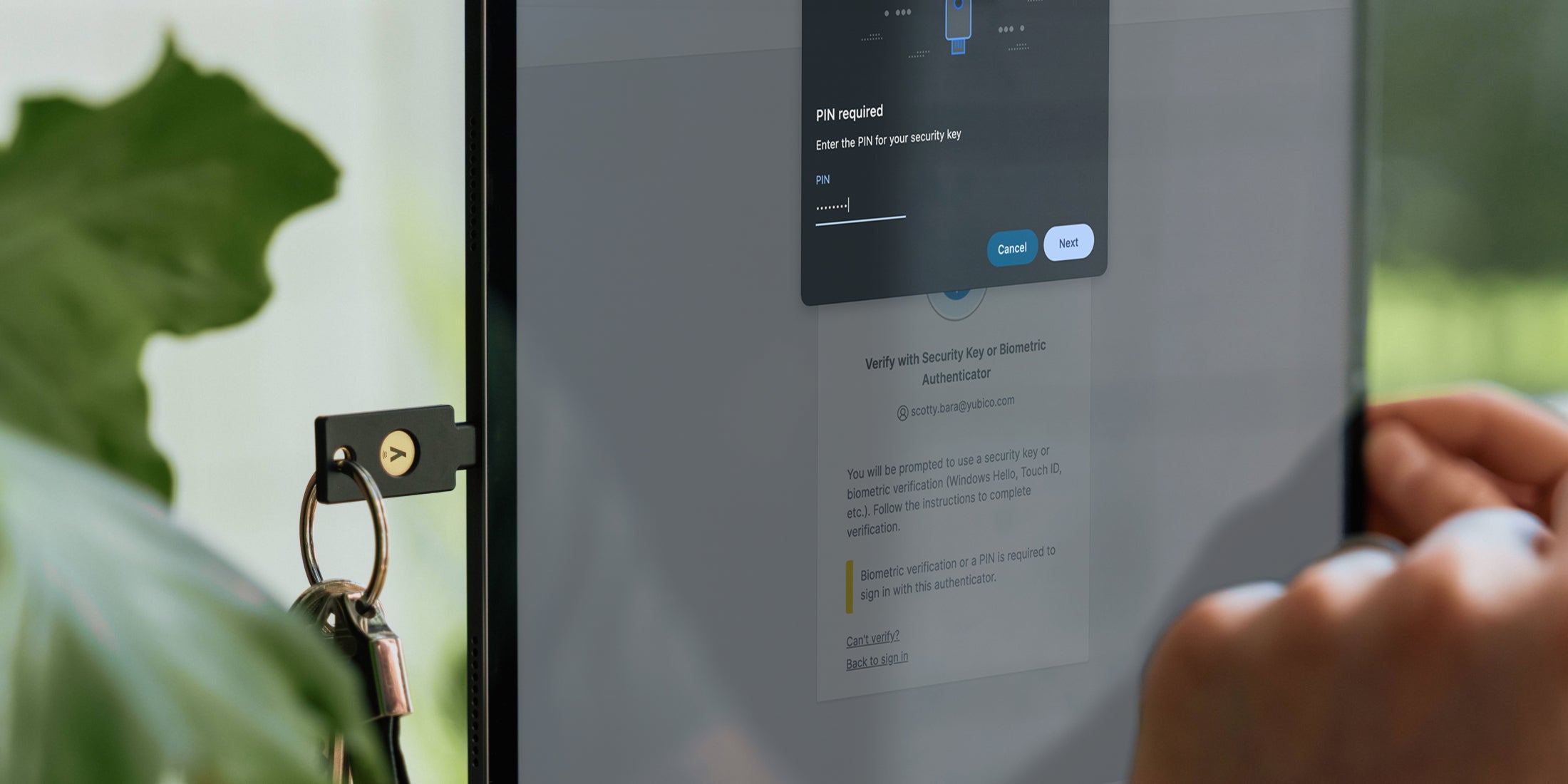
An inside look at Yubico’s transition to passwordless Before “passkey” became a familiar term in our industry, Yubico had long delivered hardware-backed and phishing-resistant FIDO2 based authentication. Today, the adoption of passkey usage is accelerating. However, it’s taken quite a bit longer to integrate passwordless authentication into the everyday, enterprise-grade authentication flows that are required for today’s businesses. As long as it’s been […] Read more Okta passwordless -

Mission matters – my reflections on winning the EY World Entrepreneur of the Year “This is the biggest mission any of the entrepreneurs have presented in this competition.” I heard these words a few weeks ago from one of the judges for the EY World Entrepreneur of the Year award program – whom I had the honor to meet during the final step of the world’s largest entrepreneur competition. […] Read more awards Founder Stina Ehrensvard -
Yubico recognized by TrustRadius 2025 Award for top customer reviews As AI-driven cyber threats like credential phishing evolve and grow in complexity, phishing-resistant YubiKeys are an important component toward cyber resilience — and our mission to make the internet more secure has never been more critical. To support this, customer feedback is something we take very seriously and is an invaluable tool to ensure we’re […] Read more awards TrustRadius -

CEO Corner: Maintaining stable growth while navigating global uncertainty As we officially close out the first quarter of 2025, I am pleased we saw a quarter with solid growth and profitability along with ongoing demand for phishing-resistant authentication. We continue to see new types of high-profile cyber attacks appearing regularly, and a major reason for the success of phishing attacks is stolen credentials. As […] Read more CEO CEO Corner Earnings Mattias Danielsson -

Introducing the Yubico Academy: Enabling partners for a phishing-resistant future At Yubico, strong partnerships are fundamental to a more secure digital world. Our commitment goes beyond providing leading security keys; it’s about actively fostering the growth of our valued partners through impactful enablement programs. A cornerstone is the Yubico Academy, featuring our comprehensive certification program. This program enables our partners’ teams to become Yubico experts, […] Read more -

AI is booming — but proving you’re human matters more than ever If you walked the show floor at the RSA Conference this year, you probably noticed the same thing I did: Artificial Intelligence (AI) is everywhere. Agentic AI. AI in threat detection. AI in firewalls. AI in identity management. AI-generated demos. AI everything. The energy around AI was undeniable, and we’re seeing real innovation, efficiency gains […] Read more AI Artificial Intelligence phishing RSAC -

Ditching passwords for good: Celebrating the inaugural World Passkey Day Have you ever been stuck in a relationship with someone who constantly lets you down, exposes your secrets, and leaves you vulnerable? Odds are you cut your losses, packed up your things and moved on. Today is the day to do the same with your passwords: say goodbye forever! The reality is a majority of […] Read more passkeys passwordless World Passkey Day -

Digital security’s unique role in protecting our environment As sustainability expands to include social, economic, and technological challenges, cybersecurity has emerged as a top global threat – with cybercrime projected to cost $12 trillion this year. Stolen credentials and phishing account for 80% of breaches. At Yubico, making the world more secure is just part of how we care for the world around […] Read more CSR Earth Day Secure It Forward Sustainability -

Breaking down Australia’s plan to combat AI-driven phishing scams Across Australia, cybercrime continues to be a major challenge impacting businesses, critical infrastructure and consumers alike. The use of AI by bad actors across the spectrum of cybercrime is on the rise, and as a result, credential phishing scams are becoming increasingly sophisticated. AI is effectively helping to lower the cost of phishing and increase […] Read more AI APAC Australia phishing