Blog
Stay up to date on company and partner news, product tips, and industry trends.
-

Secure it Forward Spotlight: Cyber defenders as a force for resilience Cybersecurity isn’t just about protecting systems and devices; It’s about protecting the people, organizations and communities that depend on them. Across the world, a growing network of cyber defenders is working behind the scenes to help others stay safe online. They train nonprofit teams, share threat intelligence, respond to incidents and help organizations navigate an […] Read more -

New Executive Order on AI: Identity as a critical foundation for trusted AI On June 2, 2026, the White House issued an Executive Order on “Promoting Advanced Artificial Intelligence Innovation and Security” directing federal agencies to strengthen federal systems, coordinate AI-enabled vulnerability discovery, and develop a voluntary framework for early review of cyber-capable frontier AI models. Much like previous orders that propelled federal agencies toward Zero Trust architectures […] Read more -
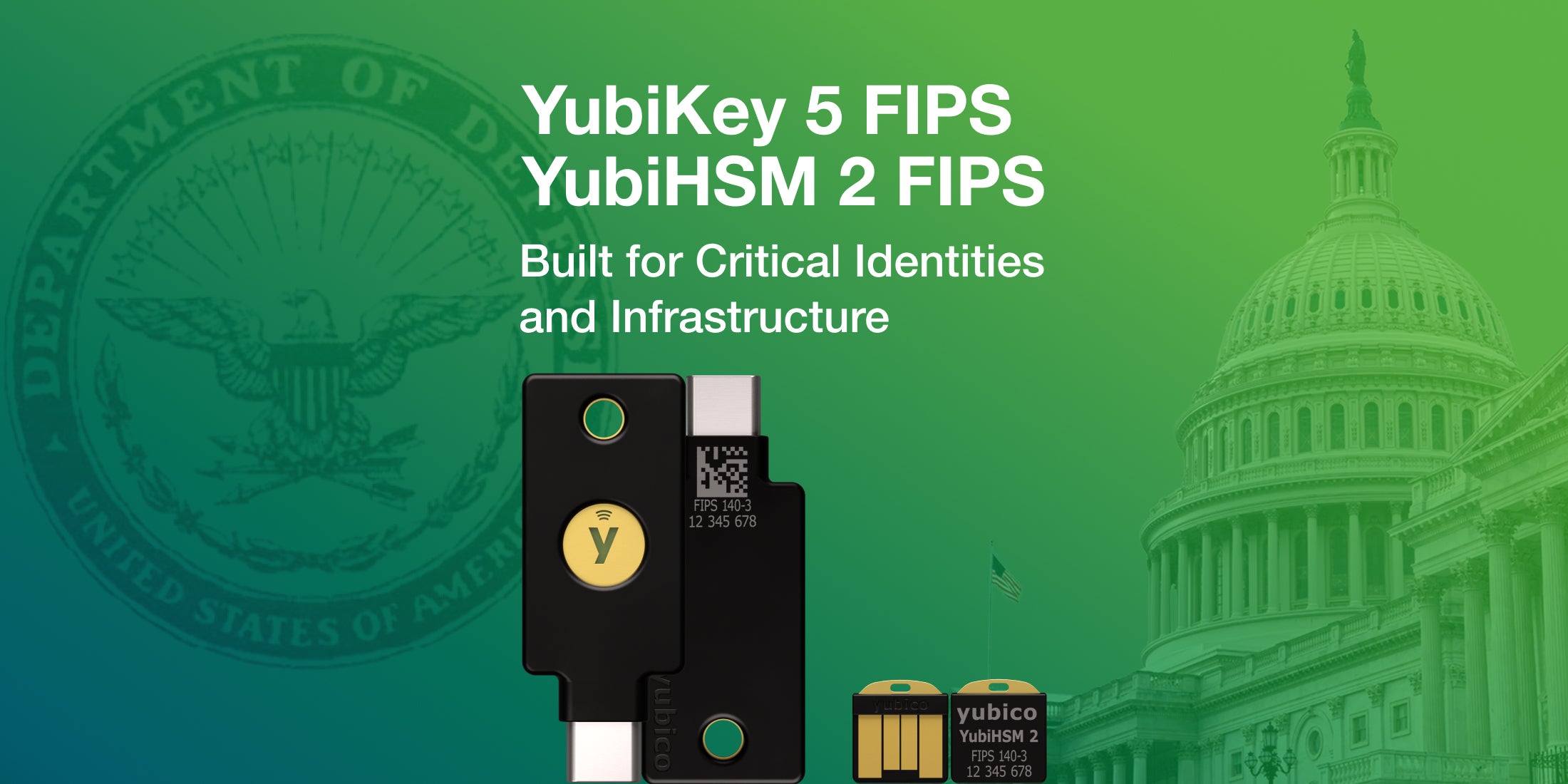
YubiKey 5 FIPS Series and YubiHSM 2 FIPS are now FIPS 140-3 validated: What it means for high assurance security Editor’s Note: This blog has been updated as of June 4, 2026 to reflect YubiHSM 2 FIPS 140-3 validation With the growing threat of Generative and Agentic AI, where phishing and other sophisticated attacks have become faster and more targeted than ever before, federal agencies and regulated industries need to protect all of their users […] Read more -

Secure It Forward Spotlight: Securing independent journalism with Radio Free Europe / Radio Liberty At Yubico, our Secure it Forward program starts from a simple idea: strong security and the ability to protect your digital identity should be accessible to the people who need it most – especially those working in high-risk environments to protect truth, accountability and public information. Last month, Secure it Forward was honored with a […] Read more -

The passkey spectrum: Importance of user choice in digital security journeys This post is co-authored by Patryk Les, Principal Product Designer, UX, and Luke Walker, Director – Developer Program, at Yubico A banking customer buys a hardware security key to protect their account. They open the bank’s security settings, choose ‘Create a passkey’, and expect to use the key they bought for exactly this purpose. But […] Read more -
OpenAI’s Advanced Account Security program: Top 5 things Codex users need to know The industry often speaks about “moving at the speed of AI” – a concept that presents two conflicting sides of the same coin. While global AI adoption empowers defenders to identify and remediate vulnerabilities faster than ever, it simultaneously arms attackers with sophisticated tools to exploit digital infrastructure. As AI transitions from simple chatbots to […] Read more -
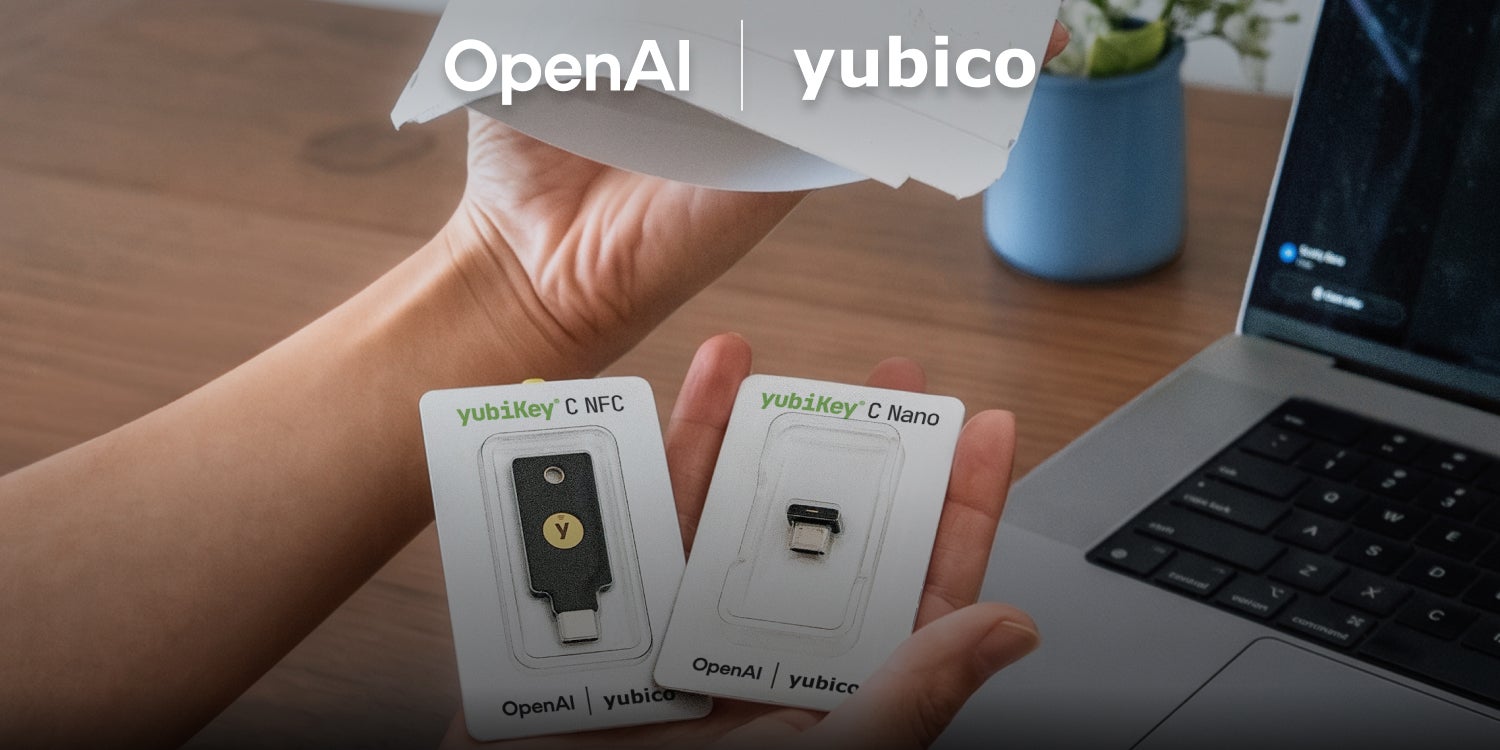
New to OpenAI’s Advanced Account Security program? Here’s how to add your YubiKey to ChatGPT accounts As part of OpenAI’s Advanced Account Security (AAS) program, the company is making phishing-resistant passkeys available for ChatGPT users to secure their accounts. Yubico has partnered with OpenAI to deliver a custom 2-pack set of hardware security keys: the YubiKey C NFC – OpenAI and YubiKey C Nano – OpenAI. YubiKeys are an important component […] Read more -

Leading Yubico forward: Q1 reflections and securing the AI frontier As I reflect on the first quarter of the year, I find myself both grateful and honored to share that Yubico’s Board of Directors has permanently appointed me to the position of President and CEO at Yubico. Having been part of the company’s journey since 2013, most recently as Acting CEO and COO, I have […] Read more -
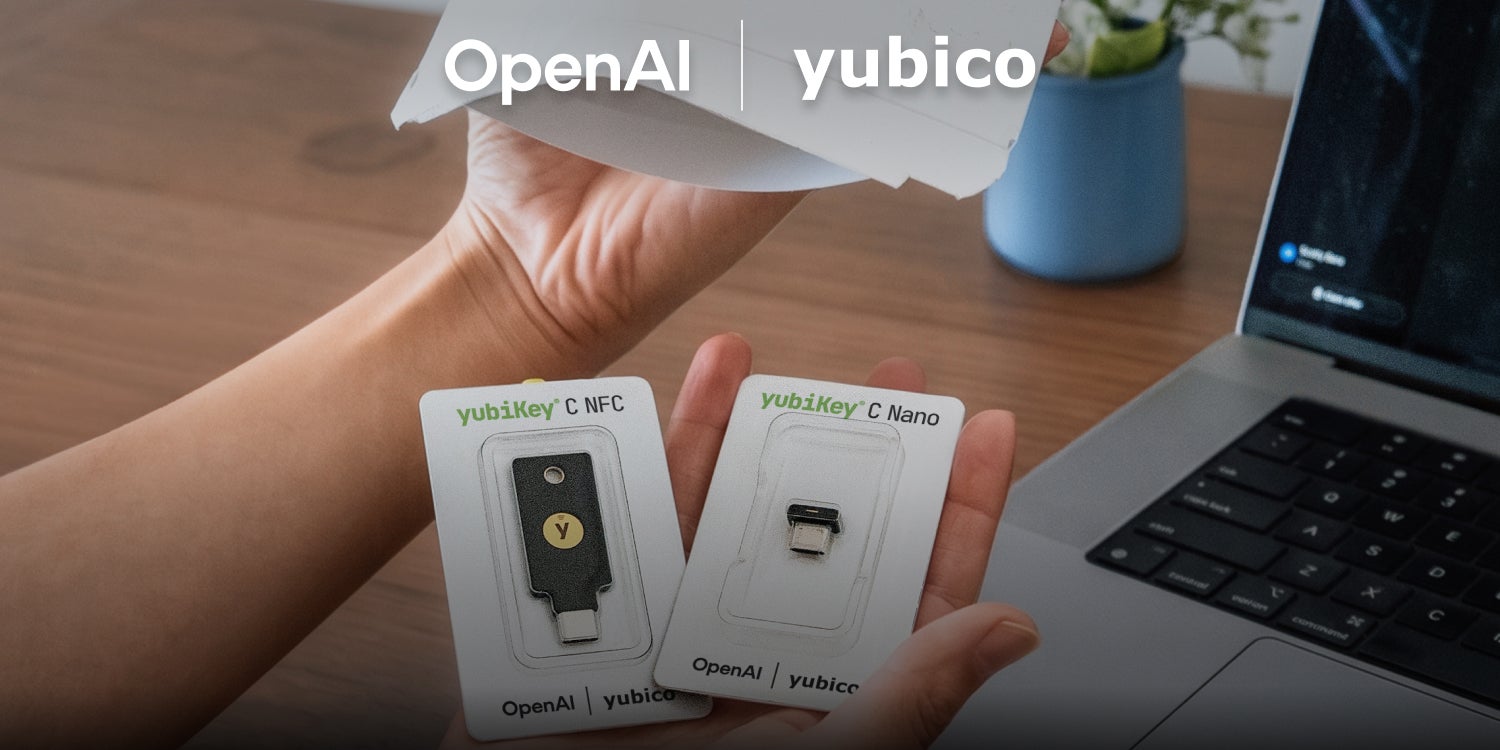
Building a safer AI journey: How to add your YubiKey to ChatGPT accounts As AI becomes an everyday companion and a powerful tool for millions of people globally, securing online accounts is more critical than ever. But without the right security in place, AI cannot reach its full potential. To ensure the future of AI is more secure, the most advanced technology must be built on a strong […] Read more