We’ve all heard the standard online safety advice: Create a strong password, use multi-factor authentication (MFA), be vigilant of phishing attacks by watching for red flagsin emails, and update your software.
Unfortunately, following these best practices alone is no longer enough for accounts to stay secure in an increasingly sophisticated world of cyber threats. Would it surprise you to learn that even the top cybersecurity and IT professionals — the people paid full-time to protect major corporations — are falling into the same baseline of cybersecurity practices that are no longer sufficient? The short answer is yes — and our latest research proves it.
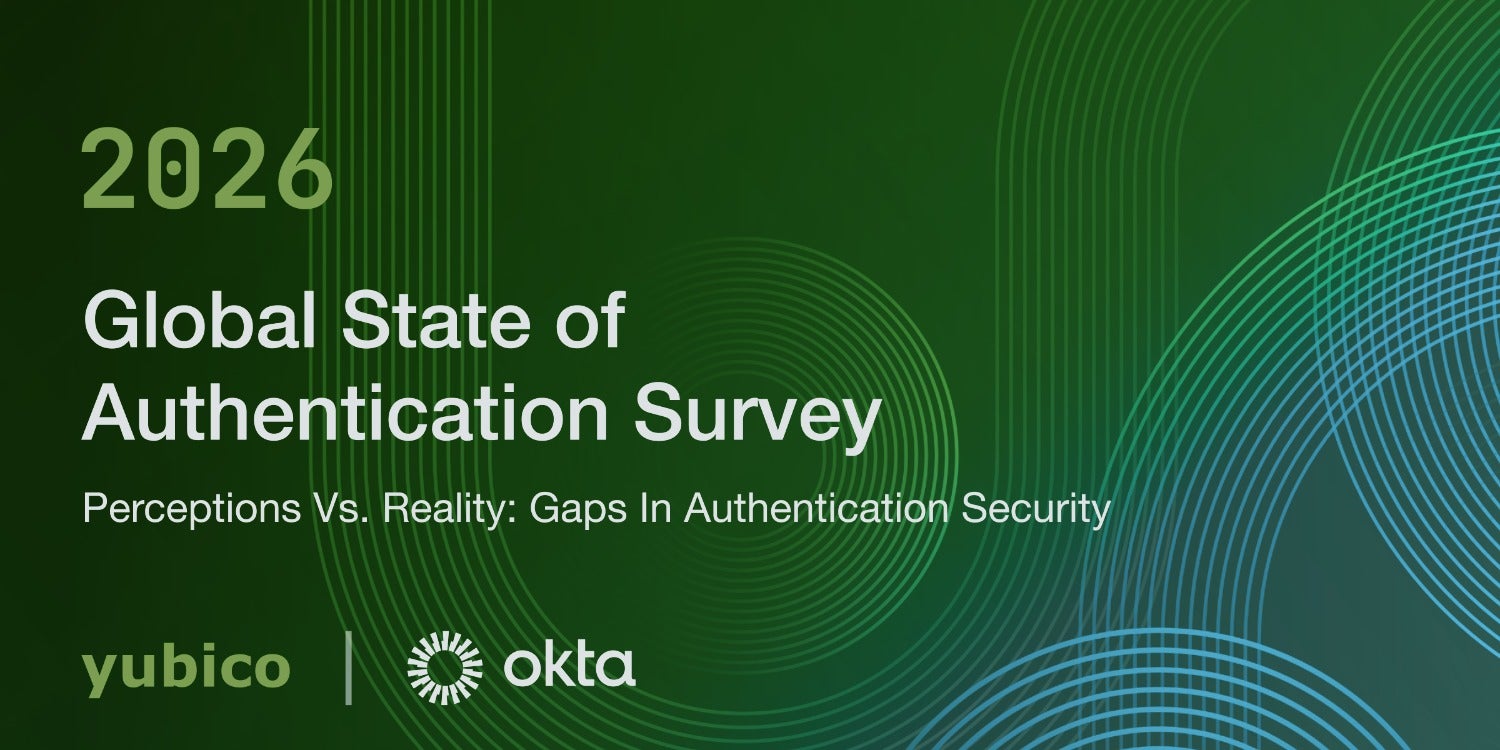
Today, we partnered with Okta to launch our fourth Global State of Authentication Survey which surveyed nearly 2,000 global security and IT experts. The results were clear: knowing how to stay safe online and actually doing it are two very different things.
Let’s dive into key highlights and findings of the full survey, which detail why standard security advice doesn’t work, why AI is putting people at greater risk , and the simple upgrades you can make to protect your digital life.
1. Knowing better isn’t enough: The “path of least resistance” trap
It turns out that knowing a lot about cybersecurity doesn’t make someone immune to bad habits.
- 87% of security pros know that modern, passwordless logins (like passkeys) are available
- Yet nearly half (48%) still rely primarily on standard usernames and passwords for their personal accounts.
- 28% leave their personal email completely unprotected by two-factor authentication (2FA).
Why does this happen? Because of login fatigue. When you are constantly prompted for codes, passwords, and security questions throughout the day, convenience almost always wins over security. We default to what is quick and familiar.
The issue isn’t that people aren’t trying hard enough, it’s that traditional passwords and login methods are fundamentally not secure.
2. You can no longer “spot” a bot in the AI phishing era
For years, we were told to look for dead giveaways in scams: misspelled words, strange formatting, or awkward phrasing. The recent advancement of AI has officially killed the “obvious” scam email. Generative AI and voice-cloning tech allow bad actors to send hyper-personalized, flawless messages and even fake realistic voice calls.
To see how convincing these new scams are, researchers tested security pros by giving them two messages – one written by a human and one by AI:
- Only 36% of security experts correctly identified a message written by a human.
- Over half (54%) wrongly assumed a human-written message was created by an AI bot.
If trained professionals can no longer tell what’s real and what’s fake, visual inspection is no longer a reliable line of defense.
3. ‘Human-in-the-Loop’ approvals: Balancing the benefits of automation with risks
AI is becoming a digital workforce that can operate alongside humans. But as automation accelerates, these threats expose a dangerous possibility that an AI agent operating with valid credentials could execute high-risk actions at machine speed, without meaningful human oversight.
The survey found that respondents understand this threat, with 91% recognizing that maintaining a Human-in-the-Loop approval step before an agent executes actions on their behalf is essential – including the use of a passkey like a YubiKey requiring human authorization. While younger generations are eager to let AI handle client-facing communications (68% of Gen Z vs. 27% of Baby Boomers), it’s a positive trend to see almost all leaders insist on keeping a human in the loop for final execution of the task.
4. The dangerous chain reaction: How one unprotected account risks everything
Why does a weak personal email or password matter so much?
Many people rely on text message (SMS) codes for verification. But if an attacker targets an unprotected email account or convinces your mobile carrier to transfer your phone number to their device (known as a SIM-swap attack), they can intercept those SMS codes.
Once they control your recovery phone number or primary email, they can reset passwords across your bank accounts, social media, shopping profiles, and work logins.
How to easily upgrade your online account security
The solution to achieving better online security and cyber resilience against cyber attacks like phishing isn’t to just try harder to spot clever AI scams — that will always be a losing battle. The best (and easiest) solution is to switch to cybersecurity tools that block attacks automatically and don’t leave the decision of what a potential phishing attack is (or isn’t) up to you to stay secure.
Here are three quick steps you can take today to lock down your personal accounts:
1. Switch to passkeys
Passkeys replace passwords with secure cryptographic keys stored on your phone, computer, or browser (using Face ID, Touch ID, or a device PIN).
- Why it works: Passkeys are bound directly to the real web domain. Even if you accidentally click on a fake, AI-generated phishing site, a passkey simply will not log in on a fake website, stopping the scam in its tracks automatically.
2. Ditch text message (SMS)-based verification
While SMS 2FA is better than just using passwords, text messages can be intercepted or redirected by attackers via SIM swapping. As a first step, switch your important online accounts — including email, password managers, banking — to an authenticator app (like Google Authenticator or Microsoft Authenticator) or a hardware security key
3. Consider a hardware security key
For high-value accounts (like your primary email or financial institutions), a hardware-backed passkey, such as a security key like the YubiKey, provides the gold standard in phishing resistance.
Security keys are phishing-resistant because they require a physical touch or interaction to approve logins – proving intent by a human to gain access to an account. Even if an AI attacker gets your login details, they cannot access your account without holding the physical key in their hand.
Tackling AI-driven cyber threats with confidence
You shouldn’t have to be a cybersecurity expert to be safe online. By replacing outdated passwords with modern tools like hardware-backed passkeys, such as the YubiKey, you take the guesswork out of online safety — letting technology do the heavy lifting so you don’t have to.
To see which YubiKeys are right for you, take our short quiz. For more information on the survey, visit the press release and full report here.