
Your OpenAI account contains sensitive information
As AI becomes part of daily life and work, OpenAI tools like ChatGPT and Codex contain increasing amounts of personal data, workflows, and even agentic access to other tools. User credentials are now the primary control point, worthy of enhanced protection.
- The Challenge: Traditional security methods like passwords and SMS one-time codes are vulnerable to phishing and account takeover, and cannot reliably prevent modern cyber attacks.
- The Shift: OpenAI’s launch of Advanced Account Security and its partnership with Yubico signal a commitment to elevated account protection for security-conscious users.
Secure Your Code. Anchor Your Access.
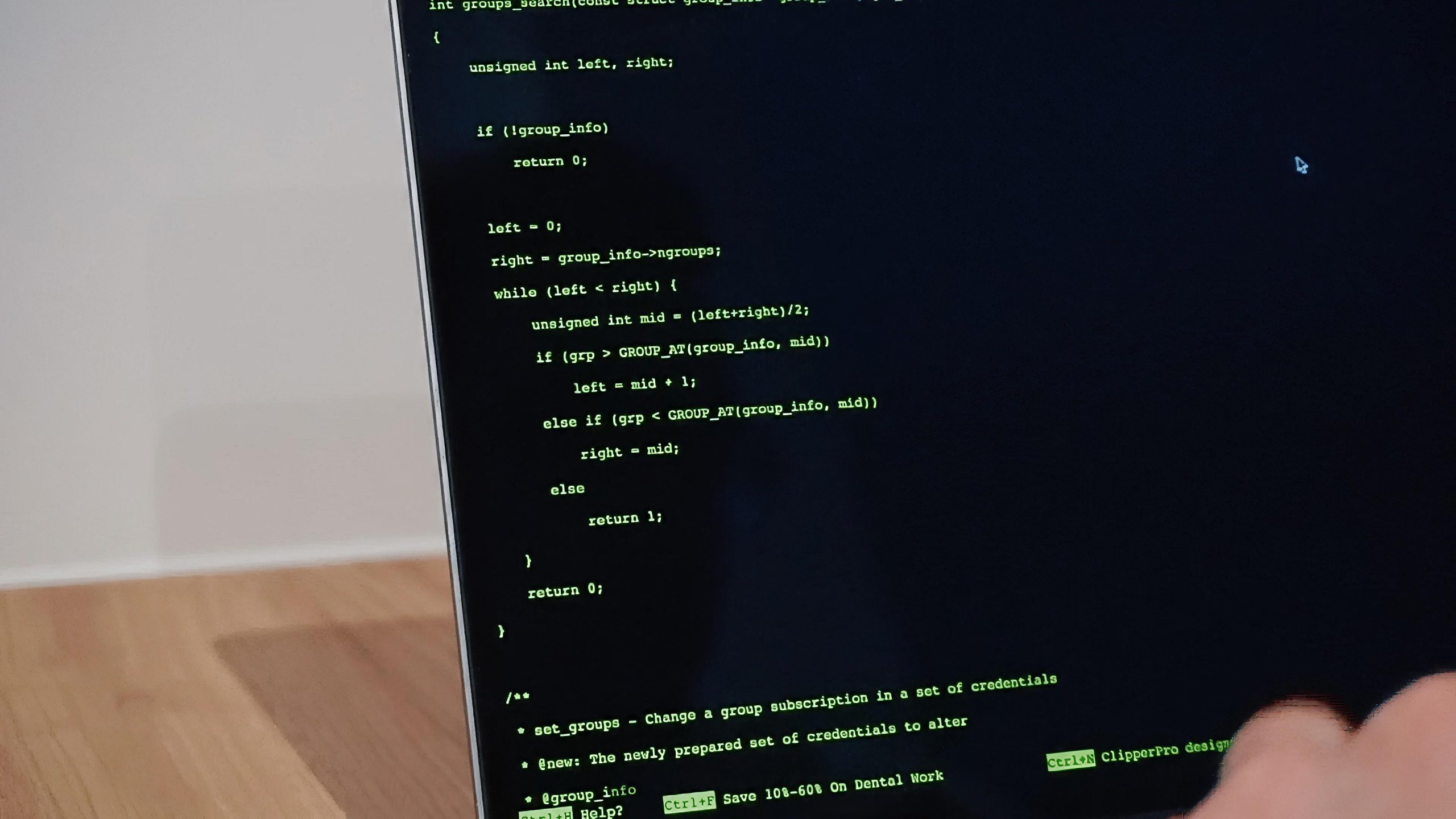
Codex now executes long-horizon tasks like repository-wide refactors and automated patching. Pairing these capabilities with hardware-rooted safeguards ensures every commit is backed by your explicit, physical authorization.
- Human-in-the-Loop Circuit Breaker: Your YubiKey cryptographically binds your physical intent to the AI’s execution context.
- FIDO2/WebAuthn Protection: YubiKeys eliminate the risk of session hijacking and credential interception.
- Tap-to-Sign Flow: Replace manual MFA entry with physical touch—cryptographic assurance that scales with your deployment speed.
The highest assurance for OpenAI Security
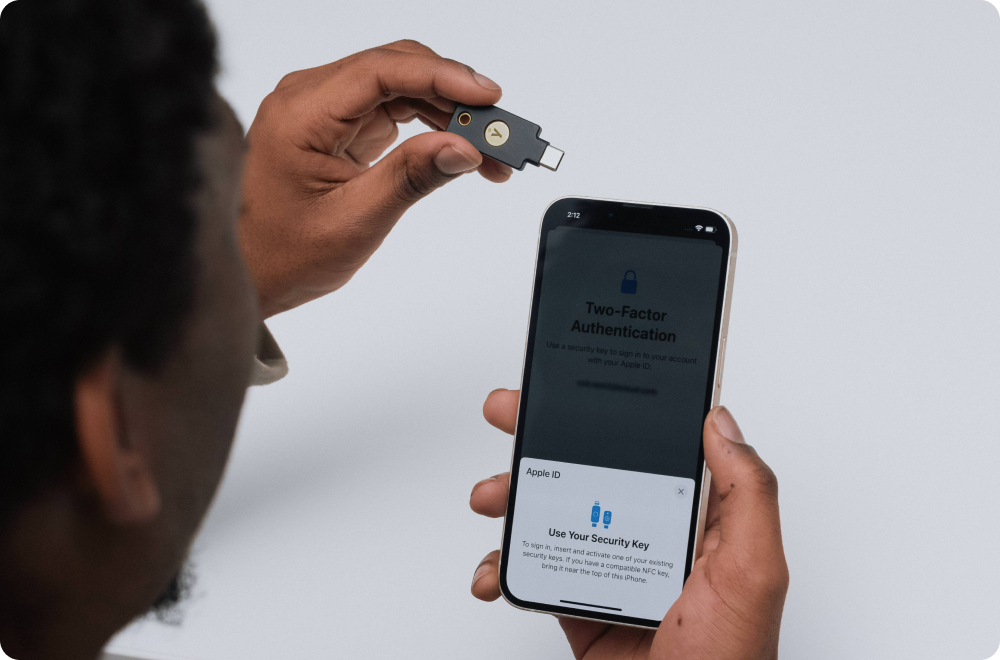
OpenAI and Yubico have partnered to provide a robust security experience, ensuring that users can rely on Advanced Account Security, which includes MFA, to keep their data and interactions safe.
- Phishing-Resistant Protection: Hardware-backed authentication via hardware passkeys requires a physical touch, offering a more tangible form of protection than codes or passwords alone.
- Seamless Experience: Once enrolled, users can enjoy enhanced account protection through a streamlined process that integrates naturally into their workflow, minimizing delays while maintaining a high level of security.
- Proven at Scale: Yubico is the co-creator of the FIDO standard—the cornerstone of modern phishing-resistant security—and is trusted by most of the world’s top banks, tech companies, and security professionals.
- Works beyond ChatGPT: YubiKeys support passkeys and multiple authentication protocols, so they can be used with many other apps and services.
Protect your OpenAI account with YubiKeys today
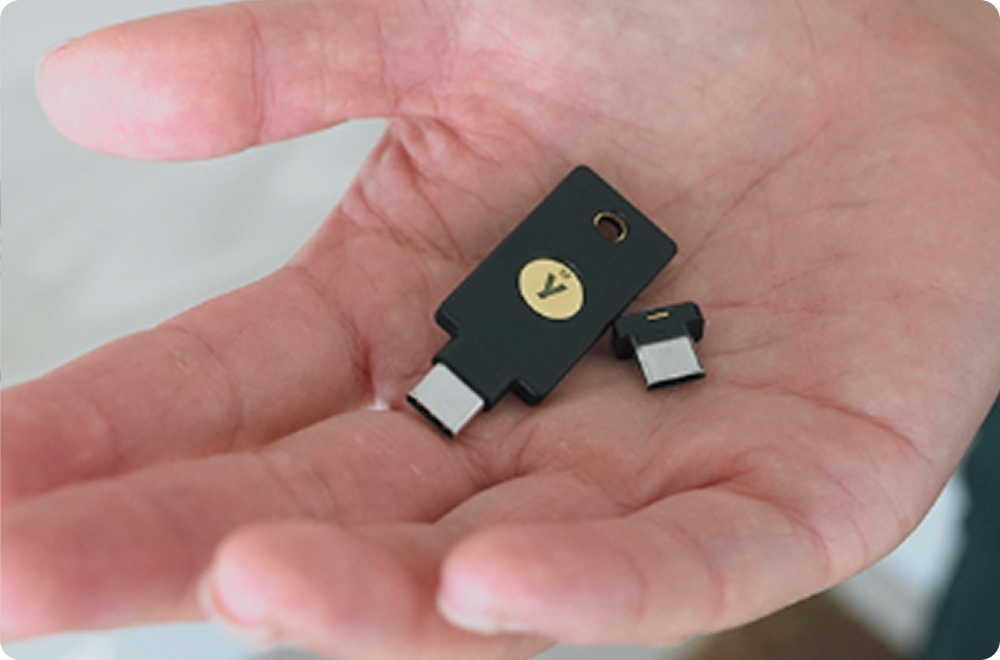
OpenAI has partnered with Yubico to offer preferred pricing on a YubiKey bundle for ChatGPT users. It includes a YubiKey C Nano, designed to stay in your laptop for simple, low-friction daily use, and a YubiKey C NFC for flexible use across desktop and mobile devices.
To learn more about OpenAI’s Advanced Account Security and set up MFA, and to purchase your custom YubiKey bundle, visit OpenAI today.