As AI becomes an everyday companion and a powerful tool for millions of people globally, securing online accounts is more critical than ever. But without the right security in place, AI cannot reach its full potential. To ensure the future of AI is more secure, the most advanced technology must be built on a strong security foundation.
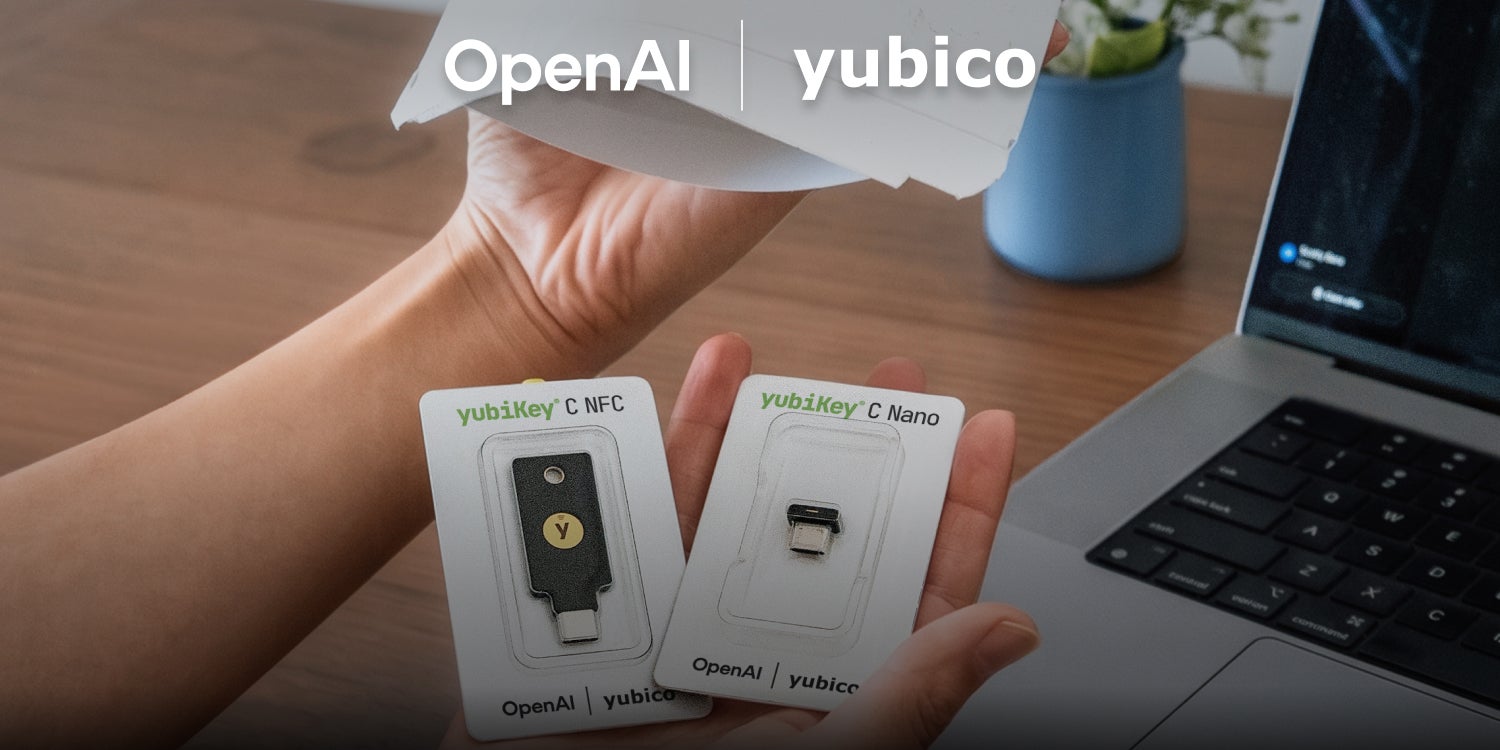
Yubico is excited to partner with OpenAI in an industry-first collaboration to increase security for ChatGPT accounts globally. In addition to OpenAI’s new Advanced Account Security (AAS) program users, people with existing YubiKeys are able to also add their keys to ChatGPT accounts.
Moving beyond legacy multi-factor authentication (MFA) to phishing-resistant, hardware-backed security keys is the single most effective way to drastically reduce the threat of account takeovers from modern phishing attacks. This partnership elevates protection for ChatGPT user accounts while making secure login simple.
To help ChatGPT users get started, we’ve created a quick guide to upgrading your account security and becoming phishing-resistant. Watch the step-by-step video below to learn how to add your existing YubiKey to your ChatGPT account.
For more information on the partnership, visit here.