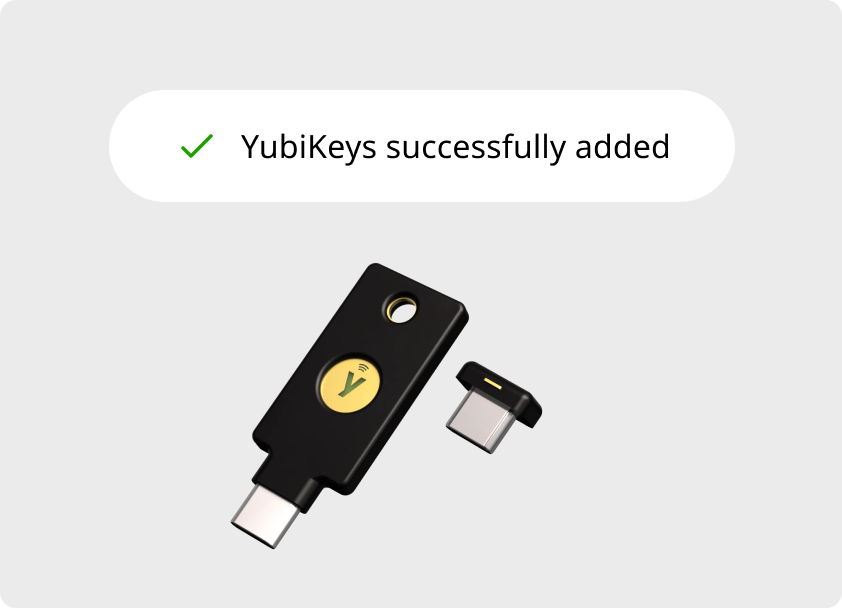

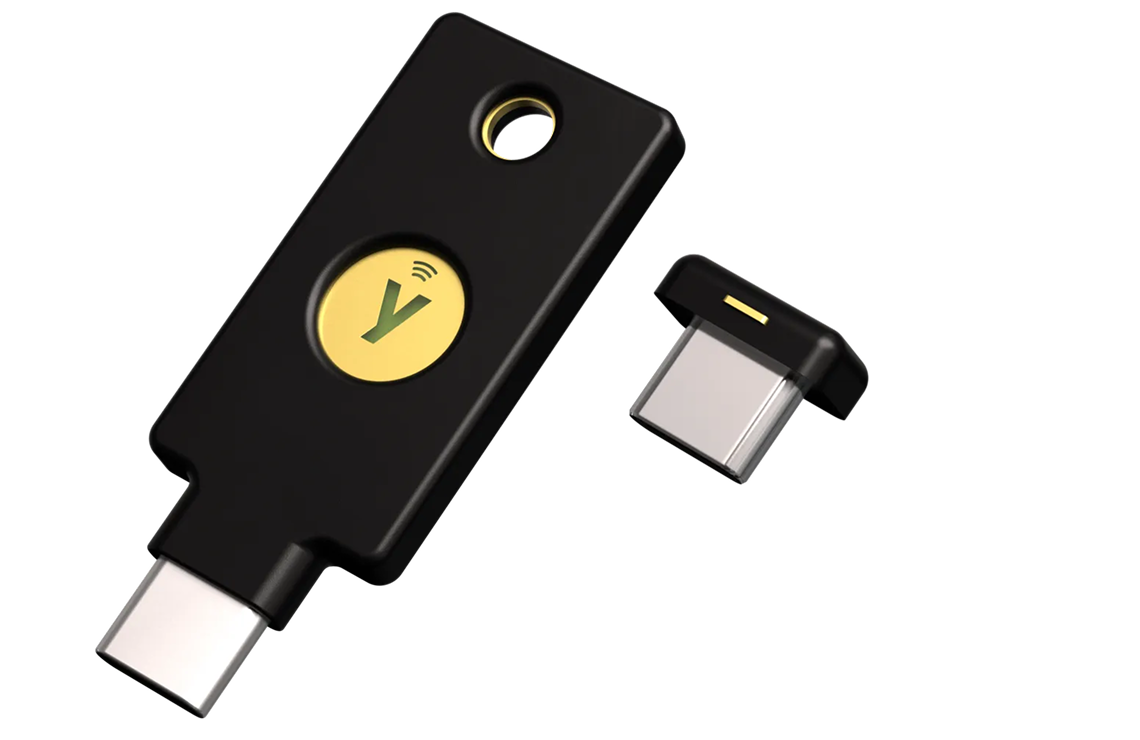

the OpenAI x Yubico keys

Setup your OpenAI Advanced Account Security with YubiKeys

Protect your OpenAI account from account takeovers with our hardware security keys. Follow the steps below to get it registered and working.

1. Before you begin

Make sure you have everything ready so the setup goes smoothly. Check off each item before moving on:

  • Your OpenAI credentials to log in
  • A computer with USB-C ports.
  • A modern browser like Chrome, Firefox, or Safari
  • Your YubiKey(s) nearby and ready to go.
2. Register your YubiKeys

You’ll be taken to OpenAI’s secure setup page, where you’ll sign in and follow their guided flow to register your YubiKeys. Here’s what to expect:

  1. Sign in to your OpenAI account
  2. Look for Advanced Security within your account settings
  3. Insert your YubiKey when prompted
  4. Create a PIN (if you haven’t already)
  5. Tap the golden element on your YubiKey to confirm
  6. Repeat with a second YubiKey
OpenAI Advanced Security Setup

3. Confirm it’s working

Once OpenAI’s setup page says you’re done, verify everything works before you walk away.

Quick test: Log out of your OpenAI account, then log back in. You should be prompted to insert and tap your YubiKey. If you see that prompt — you’re all set.


4. Important Tips

Key not detected?

Try a different USB port, restart your browser, or check that your operating system is up to date. If you’re still having problems and don’t have another way to access your account, please reach out to OpenAI for assistance.

Keep It Safe

Keep your YubiKey in a secure location and never share it with others. It’s essential to have at least one backup key stored safely in case you misplace your primary key.


Frequently asked questions

Yes. To verify your YubiKey click here.
2FA is a method to confirm a user’s claimed online identity by using a combination of two different types of factors. Factors used for 2FA include something that you know (e.g. password or PIN), or something that you have (e.g. a security key or phone) or something that you are (e.g. facial recognition). For more detailed information, please visit our 2FA glossary page.
A single YubiKey has multiple functions for securing your login to email, online services, apps, computers, and even physical spaces. Use any YubiKey feature, or use them all. The versatility of the YubiKey requires no software installation or batteries and therefore is ready to use directly out of the package. Simply log in to the service, add your YubiKey, and enjoy a more secure online experience.
We always recommend securing your accounts with an additional YubiKey. However, if you do not have a spare Key and lose your YubiKey, we encourage you to have another form of 2FA added to your accounts to prevent being locked out of your accounts. Please note that if you do end up being locked out of an account, you will need to contact the service for account recovery help.
Yes, we at Yubico always recommend having more than one YubiKey. This way one key can be used as a primary Key, and the other can be used as a Spare Key. The importance of having a spare Key is well established. We have them for our most valuable assets in life – our houses, our cars, and our PO and safety deposit boxes. Not surprisingly, we also need spare keys for our digital devices! Having a spare Key gives you the assurance that if you lose your primary Key, you will not be without access to critical accounts when needing them most.
To protect your security during shipping, NFC is temporarily disabled on your YubiKey. Activating it is easy: plug your YubiKey into any USB power source, like a computer, for at least 3 seconds. Once powered, NFC will be activated and ready to use. You can find more details here.
You can obtain a copy of the applicable product warranty and terms and conditions at /support/terms-conditions/. You may contact Customer Support if you need assistance determining which terms and conditions apply to your product or service.
Yubico provides a guide with images of the official packaging to help verify authenticity. You can view the official packaging details here.
Check out our helpdesk center where there are tons of knowledge base articles to help arm you with the necessary info to better your online security.
Bac de triCet appareil se recycleLe Tri FacileRaccolta CartaRecicla Al Azul